Google Ads Keyword Planner
Google Ads Keyword Planner is a free Google Ads tool for discovering keyword ideas and viewing search volume and forecast estimates for Search campaigns.
Key takeaways
- Free and accessible with any Google Ads account — no ad spend required.
- Provides search volume estimates and keyword ideas based on real Google data.
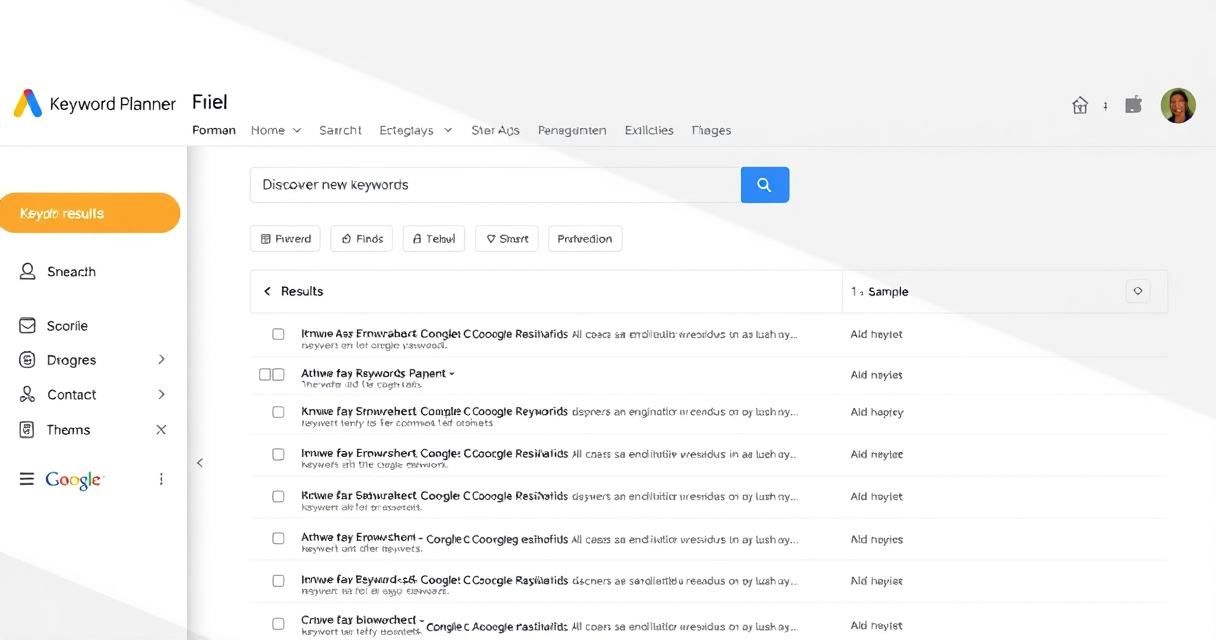
- Two main workflows: Discover new keywords and Get search volume and forecasts.
- Useful for both PPC campaign planning and organic keyword research.
- Data is directional — treat estimates as guides, not exact organic counts.
It helps turn broad ideas into actionable keyword lists for both paid and organic planning.
What people use it for
- Discover new keyword ideas from a seed keyword, a website URL, or both.
- Get search volume estimates and forecast data for existing keyword lists.
- View competition level and top-of-page bid ranges to gauge commercial intent.
- Filter results by location, language, date range, and device.
- Save and organize keyword plans for campaign or content planning.
Quick start workflow
- Sign in to your Google Ads account (create one for free if needed).
- Go to Tools > Planning > Keyword Planner.
- Choose "Discover new keywords" and enter a seed keyword or a website URL.
- Review the generated keyword ideas and use filters (location, date range, average monthly searches) to narrow down.
- Select keywords and add them to a plan, or download the list for further analysis.
When not to start here
- If you need exact organic search volume — Keyword Planner provides estimates, not precise counts.
- For long-tail keyword discovery — the tool favors high-volume terms; use a dedicated keyword research tool for long-tail ideas.
- If you need competitor keyword gap analysis — other tools like Semrush or Ahrefs are better for that.
- For content ideation beyond search volume — combine with Google Trends or topic research tools.
Alternatives
| Tool | Best for |
|---|---|
| Google Trends | Trend analysis and seasonality |
| Semrush | Competitor keyword gap analysis and full SEO suite |
| Ahrefs | Organic keyword difficulty and backlink data |
| Ubersuggest | Free keyword ideas with basic metrics |
Next step
FAQ
Is Google Ads Keyword Planner free?
Yes, it is free to use with a Google Ads account. You do not need to run ads to access it.
Can I use Keyword Planner for SEO?
Yes, many SEOs use it to get search volume estimates and discover keyword ideas, though it is designed for Google Ads.
Are the search volumes in Keyword Planner accurate?
They are estimates based on historical data and can vary by location, season, and campaign settings. They are not exact organic counts.
Related topics
Sources
- Google Ads Help: Use Keyword Planner — Official documentation for how Keyword Planner works.
- Google Ads Help: Refine Your New Keywords in Keyword Planner — Official documentation for filters and location settings.
- Google Ads API: Keyword Planning Overview — Explains forecast workflow and estimate dependencies.
- Google Business Profile resources: Using Google Ads Keyword Planner — Google-owned explainer framing Keyword Planner for SEO and PPC.
Reviewed by Lucía Marín, Founding editor.