Rank Tracking
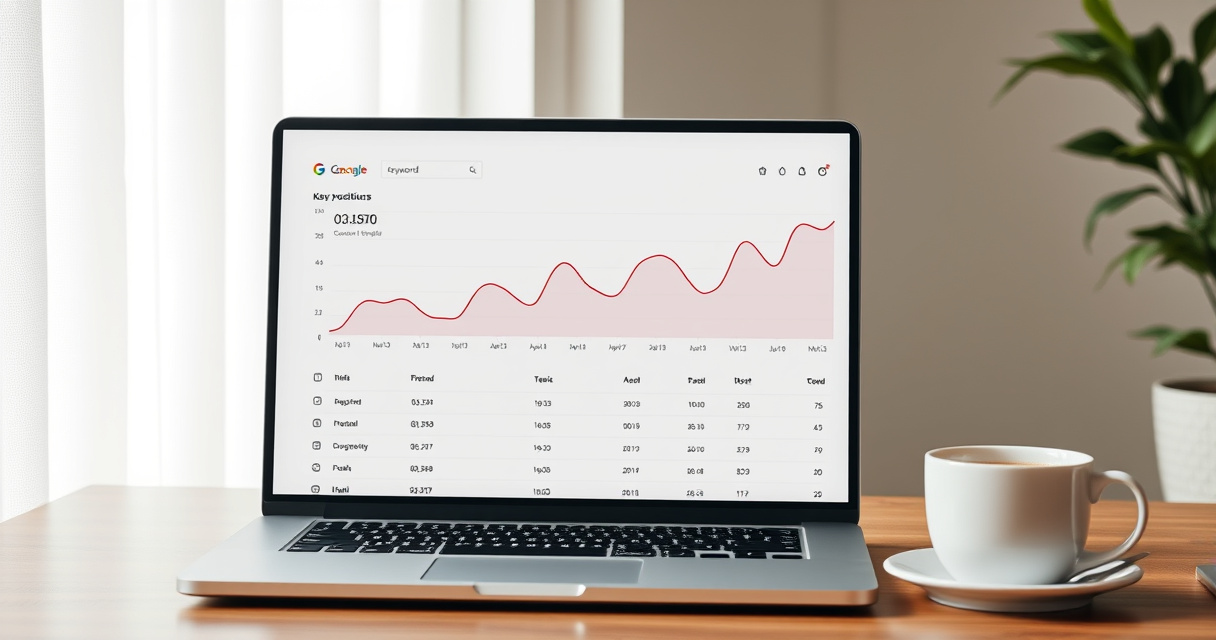
Rank tracking is the practice of monitoring how a website’s URLs rank for target keywords in search results over time.
Key takeaways
- Rank tracking connects SEO actions to search performance changes.
- Use location, device, and search engine filters for accurate data.
- Google Search Console is free but has delays; paid tools offer daily updates and competitor tracking.
- Focus on business‑critical keywords, not every long‑tail term.
- Combine rank data with click and conversion metrics for a complete view.
Use rank tracking to validate your SEO strategy and catch ranking drops before they become traffic losses.
Example: Tracking a High-Value Keyword
Imagine you run an e‑commerce site selling organic coffee. Your target keyword is “best organic coffee beans.”
- You add this keyword to a rank tracker with location set to “United States” and device “Desktop.”
- The tool shows your product page at position 8 on day 1.
- After publishing a new buyer’s guide and building two backlinks, the position moves to 5 over 10 days.
- You notice a featured snippet appears for the same query – your page is not in it, so you optimize the content for snippet eligibility.
- Over the next 3 weeks, the tracker shows your page at position 3 and capturing the snippet. Traffic to that page increases by 40%.
This example shows how rank tracking links specific SEO actions to measurable improvements and reveals SERP feature opportunities.
Quick Start: Set Up Rank Tracking in 5 Steps
- Define your target keywords – Prioritize terms that align with business goals and have search volume. Use keyword research to build a list.
- Choose a rank tracking tool – Start with free Google Search Console for basic data, or invest in a paid tool like Semrush or Ahrefs for daily updates and competitor tracking.
- Configure location and device – Set the geographic market (e.g., “United States”) and device type (Desktop, Mobile, or Tablet). Many tools also allow search engine selection (Google, Bing, etc.).
- Add your keywords and URLs – Enter keywords and map them to the specific pages you want to rank. Group keywords by theme or page for easier reporting.
- Set a tracking frequency – Daily for competitive keywords, weekly for less volatile terms. Check that your plan supports the chosen cadence.
After setup, review the first week of data to confirm accuracy. Then integrate the data into your regular SEO reporting.
How to Judge If Your Rank Tracking Setup Is Effective
- Keywords are tied to conversions – Every tracked keyword should connect to a page with a clear goal (sales, sign‑ups, etc.).
- Data is segmented by location and device – Rankings vary by region and screen size. Without segmentation, you miss local and mobile performance.
- Update frequency matches keyword volatility – High‑competition terms need daily checks; stable terms can be checked weekly.
- SERP features are monitored – Featured snippets, local packs, and AI overviews affect click‑through rates. A good tracker surfaces these changes.
- Competitor tracking is included – Knowing your competitors’ positions for the same keywords helps you understand market shifts.
- Reports are actionable – Raw numbers aren’t enough. Your setup should allow you to export or visualize trends over time, not just snapshots.
Common Rank Tracking Mistakes
- Treating a single rank as the full picture – Always look at trends over time, segmented by location and device. A one‑day dip may be noise.
- Comparing rankings across different tools – Tools use different data sources, update cadences, and location settings. Stick to one tool for consistent comparisons.
- Tracking too many low‑value keywords – Prioritize pages and terms tied to business goals. Tracking every long‑tail variation wastes time and budget.
- Using rank data alone without context – Rankings don’t equal clicks or conversions. Always pair with click‑through rate, impressions, and conversion data from Google Analytics.
- Ignoring SERP features – A drop in position may be offset by a gain in a featured snippet. Monitor changes in SERP layout to understand the real impact on traffic.
Next step
FAQ
How many keywords should I track?
Start with 10–20 high‑priority keywords tied to your most important pages. Expand as you scale, but avoid tracking hundreds of low‑value terms.
Can I track rankings for free?
Yes, Google Search Console provides free position data, but it’s averaged, delayed, and doesn’t include competitor tracking. For more granular data, use a paid tool.
Related topics
Sources
- Google Search Central — Primary source for how Google Search works, search appearance, and Search Console data.
- Google Search Console Help — Best source for ranking/position reporting limits, performance data, and setup guidance.
- Semrush Position Tracking — Clear explanation of daily rank tracking, device and location filters, and competitor monitoring.
- Ahrefs Blog — Well-known SEO reference for rank tracking workflow, keyword selection, and reporting.
- SEO PowerSuite Rank Tracker — Useful reference for rank tracking definitions and dashboard/reporting terminology.
Reviewed by Lucía Marín, Founding editor.