SEO Colour Wheel
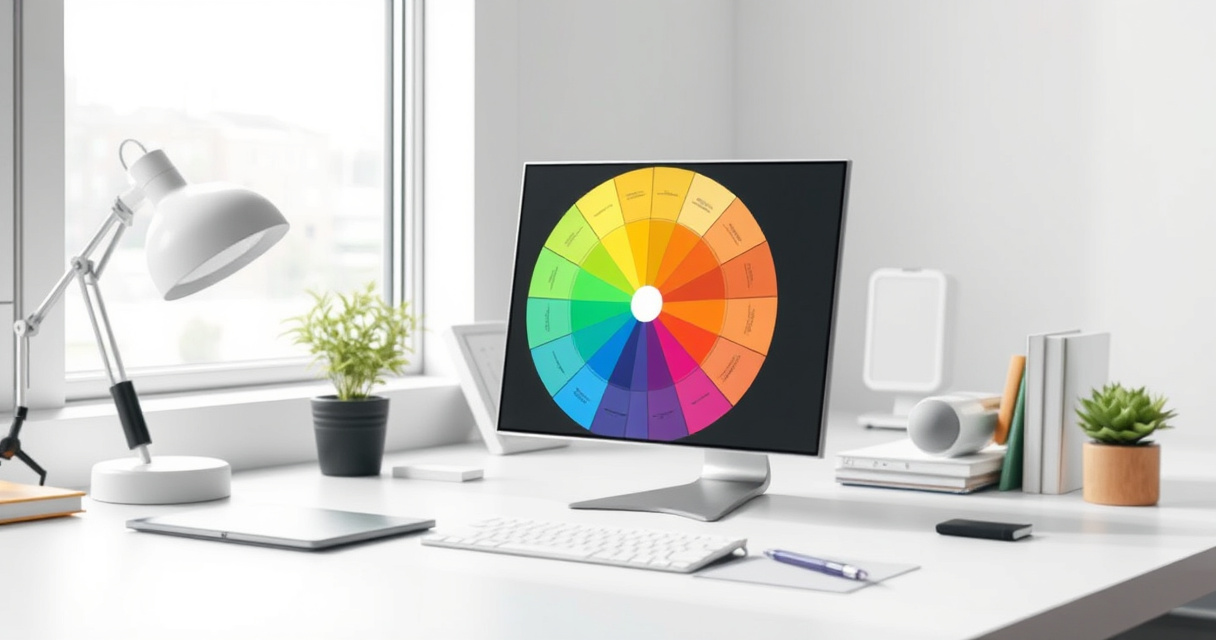
An SEO colour wheel is a color-planning framework for web pages that uses color relationships, contrast, and hierarchy to make important content and calls to action stand out while keeping the design consistent.
Key takeaways
- The SEO colour wheel uses color relationships to guide user attention to priority content.
- Follow the 60-30-10 rule: 60% dominant, 30% secondary, 10% accent.
- Reserve accent colors for CTAs and key elements only.
- Always check contrast for accessibility (WCAG AA).
- Test changes on one template before site-wide rollout.
It helps SEO practitioners prioritize the most important elements on landing pages, product pages, and other money pages.
Example: Applying the SEO Colour Wheel to a Product Page
- Goal: Increase clicks on the "Add to Cart" button.
- Step 1: Start with the brand palette (e.g., blue primary, gray neutral).
- Step 2: Use the 60-30-10 rule:
- 60% dominant: white/light gray background.
- 30% secondary: blue for headings and navigation.
- 10% accent: bright orange for the "Add to Cart" button.
- Step 3: Check contrast: orange on white passes WCAG AA (WebAIM).
- Step 4: Test with A/B: variant A (orange button) vs. variant B (gray button).
- Result: Orange button gets 15% more clicks (example).
Quick Start: 5 Steps to Use the SEO Colour Wheel
- Identify your brand palette: Start with logo colors or existing brand guidelines.
- Define page hierarchy: List elements by importance (e.g., CTA > headline > body text > footer).
- Apply the 60-30-10 rule: Assign dominant, secondary, and accent colors accordingly.
- Check contrast: Use WebAIM Contrast Checker to ensure readability (WCAG AA minimum).
- Test one template: Run an A/B test on a key page (e.g., landing page) before rolling out site-wide.
How to Judge if Your Colour Wheel Is Working
- Contrast ratio: All text and interactive elements meet WCAG AA (4.5:1 for normal text, 3:1 for large text).
- Visual hierarchy: The most important element (e.g., CTA) is the first thing users notice.
- Consistency: Colors are used consistently across similar elements (e.g., all buttons same accent color).
- Engagement metrics: Click-through rate on CTAs, time on page, and conversion rate improve after color changes.
- Accessibility: No color-only cues (e.g., use icons or labels alongside color).
Common Mistakes with the SEO Colour Wheel
- Using too many strong colors: Nothing stands out; visual hierarchy collapses.
- Applying accent color everywhere: CTAs lose prominence; reserve accent for priority elements only.
- Choosing colors for aesthetics only: Ignoring contrast and readability hurts user experience and accessibility.
- Changing all pages at once: Without testing, you risk negative impact on conversions; test key templates first.
Next step
FAQ
What is the 60-30-10 rule in the SEO colour wheel?
It's a design guideline: 60% of the page uses a dominant color (background), 30% a secondary color (supporting elements), and 10% an accent color (CTAs, priority content).
How does color affect SEO?
Color influences readability, accessibility, and user engagement. Good contrast and hierarchy help users find key content and CTAs, which can improve conversion rates and on-page performance signals.
Should I change all page colors at once?
No. Test key templates first (e.g., landing pages, product pages) with A/B testing before rolling out changes site-wide.
Related topics
Sources
- Google Search Central — Best source for SEO guidance on page experience, accessibility, and helpful content principles.
- WebAIM — Widely used reference for contrast and accessibility checks in web design.
- Nielsen Norman Group — Strong UX research reference for visual hierarchy, usability, and interface design.
- Google Lighthouse — Useful for auditing accessibility and page quality issues that color choices can affect.
Reviewed by Lucía Marín, Founding editor.