SERP
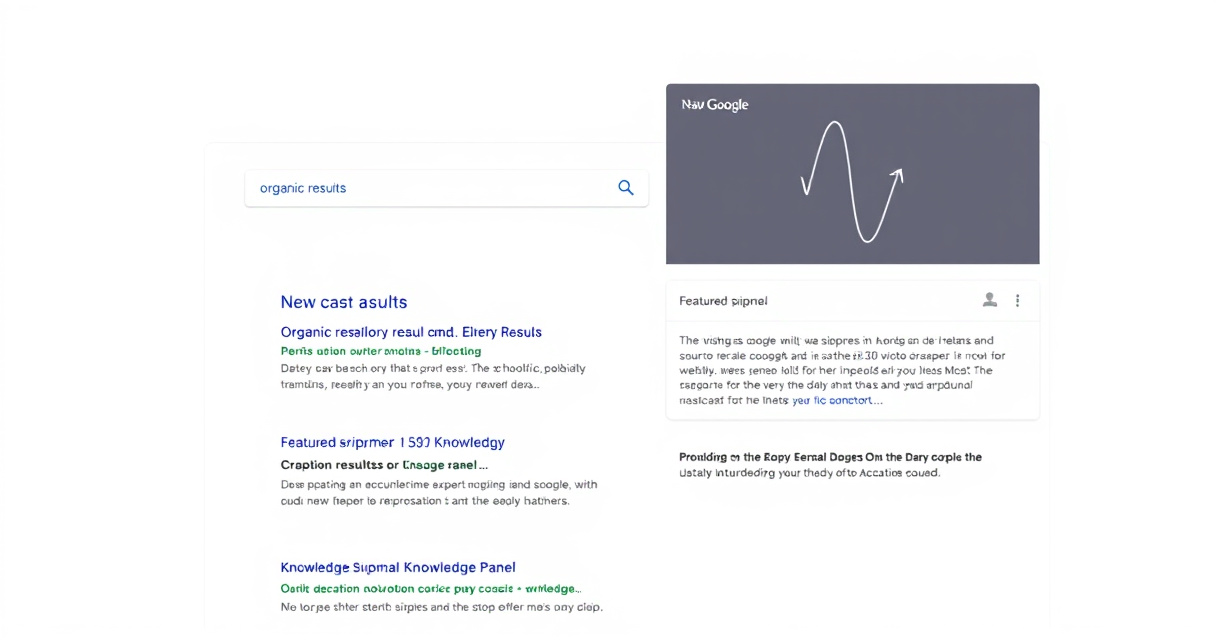
A SERP (search engine results page) is the page a search engine shows after a user enters a query, combining organic results, paid ads, and other search features.
Key takeaways
- A SERP is the full results page, not just organic rankings.
- SERP components include ads, featured snippets, local packs, and more.
- Analyze the SERP to match content with user intent.
- Track SERP changes to adapt your SEO strategy.
- Use structured data to increase chances of appearing in rich results.
Understanding the SERP is the first step to mastering SEO because it shows exactly what users see and click.
Example: What a Real SERP Looks Like
- Query: "best running shoes"
- Top of page: Paid ads (shopping results)
- Below: Featured snippet with a list of top shoes
- Then: Local pack showing nearby stores
- Then: Organic blue-link results
- Sidebar: Knowledge panel for a major brand
- Bottom: People Also Ask accordion
When Should You Focus on the SERP?
- Every time you do keyword research – Check the SERP layout to understand intent.
- When creating content – Tailor your page to match the type of result Google shows (e.g., listicle for a snippet).
- When auditing SEO performance – Look beyond your ranking to see what features competitors occupy.
- When running paid ads – Understand how ads and organic results coexist.
What a SERP Is Not
- Not just rankings – Rankings are a position within the SERP, not the whole page.
- Not static – SERPs change with location, device, and algorithm updates.
- Not the same for every query – A query like "weather" triggers a knowledge panel; "buy shoes" shows shopping ads.
- Not fully controllable – You can optimize for features, but the search engine decides what to show.
Quick Start: How to Analyze a SERP
- Enter your target query in a search engine (incognito mode avoids personalization).
- Scan the page – Note ads, snippets, images, videos, local packs.
- Identify the dominant result type – Is it a list, a paragraph, or a set of products?
- Look at organic results – What domains rank? What content format do they use?
- Match your content to the intent – Create a page that fits the result type (e.g., step-by-step guide for a list snippet).
- Track changes over time – Use tools like Google Search Console to monitor impressions and clicks.
Common Mistakes When Approaching the SERP
- Only chasing position #1 – A featured snippet can drive more clicks even at position 0.
- Ignoring paid results – Ads often dominate the top; consider if PPC is worthwhile.
- Assuming one-size-fits-all – A SERP for "SEO tools" looks different from "local pizza.
- Not updating old content – SERP features evolve; refresh pages to match current intent.
- Forgetting structured data – Schema can unlock rich snippets and increase visibility.
Next step
FAQ
What does SERP stand for?
SERP stands for search engine results page.
What is included in a SERP?
A SERP typically includes organic results, paid ads, and various SERP features like featured snippets, knowledge panels, and local packs.
Is a SERP the same as rankings?
No. Rankings refer to a site's position in organic results, while a SERP is the full results page including ads and features.
Related topics
Sources
- Google Search Central — Official documentation on how Google Search surfaces results.
- Google Search Central blog — Updates on SERP features and search presentation changes.
- Bing Webmaster Guidelines — Cross-engine SERP behavior context.
Reviewed by Lucía Marín, Founding editor.