Website Traffic Checker
A website traffic checker is a tool that estimates or measures how many visitors a website gets and where that traffic comes from.
Key takeaways
- Website traffic checkers estimate visits and sources—great for competitor research.
- For your own site, rely on Google Analytics and Search Console for accuracy.
- Free versions offer limited data; paid plans unlock deeper insights.
- Always treat third-party estimates as approximations, not exact counts.
- Focus on channel mix, top pages, and keyword drivers, not just total visits.
For SEO practitioners, traffic checkers help benchmark competitors, spot growth channels, and identify pages or keywords driving visits.
What People Use a Website Traffic Checker For
- Benchmark competitors: Estimate monthly visits and compare traffic trends across domains.
- Identify traffic sources: See breakdown of organic, paid, direct, social, and referral traffic.
- Discover top pages and keywords: Find which pages and search terms drive the most traffic.
- Analyze audience geography and device mix: Understand where visitors come from and what devices they use.
- Track changes over time: Monitor traffic trends to spot growth or decline.
- Support link building and outreach: Identify referring domains and potential partnership opportunities.
Quick Start: How to Use a Website Traffic Checker
- Choose a tool – Popular options: Ahrefs Traffic Checker, Semrush Website Traffic Checker, Similarweb.
- Enter a domain or URL – Type the website you want to analyze (competitor or your own).
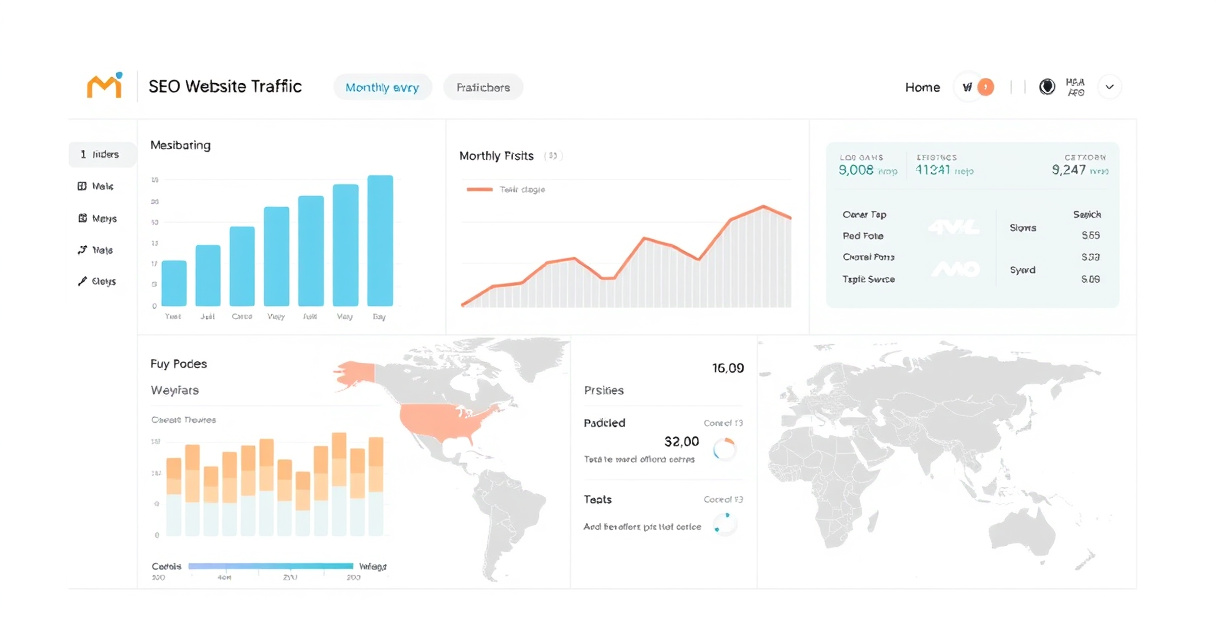
- Review the traffic overview – Look at estimated monthly visits, traffic sources, and trend graph.
- Dig deeper – Explore top pages, keywords, referring domains, and audience demographics.
- Export or compare – Download data or compare multiple domains side by side (paid plans).
When Not to Start Here
- For your own site analytics: Use Google Analytics for accurate first-party data.
- For search performance data: Use Google Search Console for clicks, impressions, and query-level insights.
- When you need exact visitor counts: Third-party tools provide estimates, not precise numbers.
- If you only need keyword data: A dedicated keyword research tool may be more appropriate.
Alternatives to Website Traffic Checkers
| Tool | Best For | Pricing |
|---|---|---|
| Google Analytics | First-party traffic data for your own site | Free |
| Google Search Console | Search performance and query-level data | Free |
| Ahrefs | Competitor traffic and keyword analysis | Paid |
| Semrush | All-in-one SEO with traffic estimation | Paid |
| Similarweb | Broad website intelligence and benchmarking | Freemium |
Next step
FAQ
What is a website traffic checker?
A website traffic checker is a tool that estimates how many visitors a website receives and where that traffic comes from. It provides data on traffic sources, top pages, keywords, and audience geography.
Are website traffic checkers accurate?
Third-party traffic checkers provide estimates, not exact numbers. Accuracy varies by tool and site popularity. For your own site, Google Analytics is the most accurate source.
What is the best free website traffic checker?
Popular free options include Ahrefs Traffic Checker, Semrush Website Traffic Checker, and Similarweb. Free versions have limited data; paid plans offer more depth.
Can I check my own website traffic with these tools?
Yes, but for your own site, Google Analytics and Google Search Console are more accurate. Third-party tools are best for competitor analysis.
Related topics
Sources
- Google Analytics — Primary source for first-party traffic data on sites you own.
- Google Search Console — Best source for search impressions, clicks, and query-level performance for verified sites.
- Ahrefs Traffic Checker — Well-known SEO tool for estimated site traffic and keyword-driven analysis.
- Semrush Website Traffic Checker — Popular competitor traffic estimator with channel and page-level insights.
- Similarweb Website Analytics — Widely cited traffic estimation platform with broad website intelligence features.
Reviewed by Lucía Marín, Founding editor.